



Key takeaways
- ITS is simplifying how full-time faculty and staff log in to eligible single-user computers.
- Employees will use a PIN — and optionally biometrics — to log in to their computers.
- Employees can start now or wait until Oct. 21, when the new login setup becomes mandatory for eligible computers.
Logging in to your assigned MSU Denver computer will become simpler this month.
Information Technology Services is updating eligible single-user Windows and macOS computers with a new, more secure login process. Full-time faculty and staff with eligible computers can set up their new login now, before enrollment becomes mandatory Oct. 21.
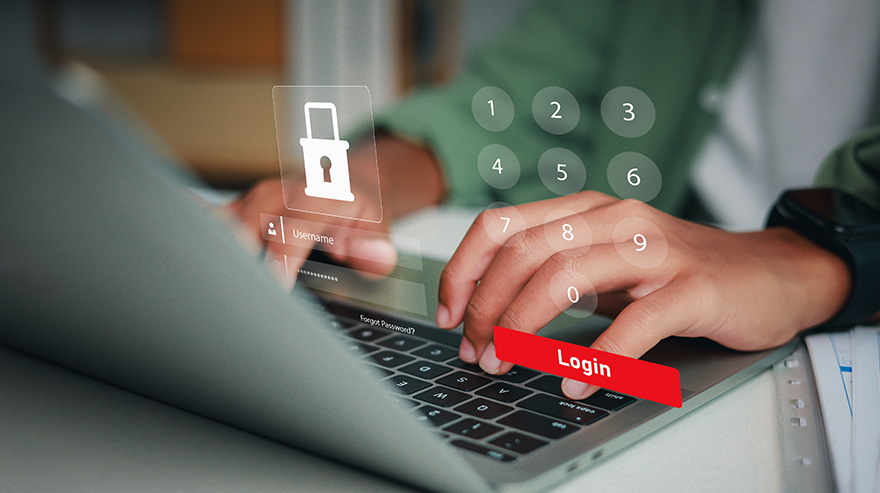
Once enrolled, employees will use a PIN to log in to their assigned computer and can optionally use fingerprint or facial recognition, depending on their preferences and their computer’s capabilities.
After they’ve set up their PIN, users will be automatically logged in to web services; they will not need to use their password or follow multi-factor authentication prompts while on their assigned computer.
Employees will still need to use their password and MFA when accessing web services on other devices.
What you need to do
Employees can complete the setup early or wait until Oct. 21, when they will be required to configure their new login before using their assigned computer.
Shared-use computers, including those at office front desks and in computer labs, are not included. Some Windows computers set up before August 2024 may also be ineligible; employees with eligible computers have been contacted directly.
For setup instructions, visit the ITS Knowledge Base:
Questions? Contact the ITS Service Desk at 303-605-7000 or visit support.msudenver.edu.