



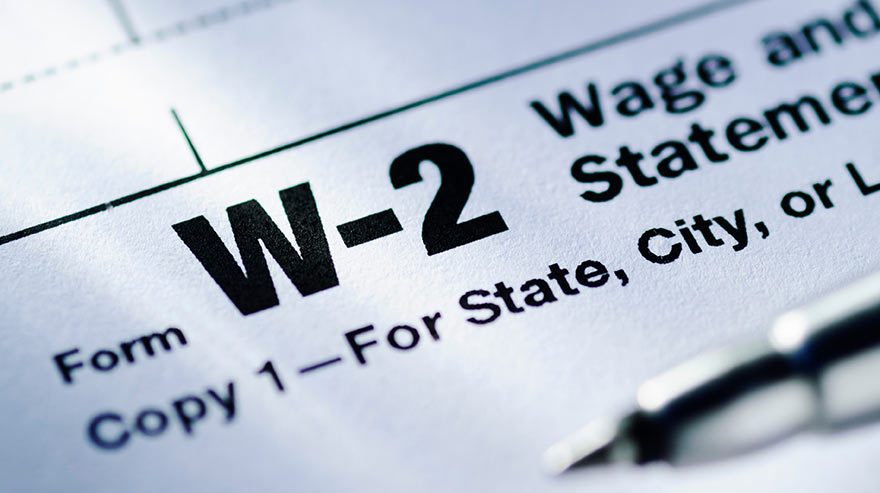
It’s that time of year again — the Payroll team is gearing up for the 2025 year-end W-2 process, and they’re asking all employees to ensure their information is accurate and up to date in Workday so that tax documents are accurate and delivered on time.
Verify your personal information
To confirm your information in Workday, go to “Menu” (upper right corner) → “Personal” → “Personal Information” → “About Me” and review the following details.
- Navigate to “Contact” in the left-hand menu to confirm your home address.
- Verify your home contact information and ensure “Mailing” appears under “Usage.” If it does not, or if your address needs to be updated, click “Edit” → “Change Home Contact Information.” Then click the pencil icon to the right, which will allow you to make changes to your address or to select “Mailing.”
- Navigate to “Personal” in the left-hand menu to confirm your legal name and Social Security Number:
- Click “Names” at the top of the page and confirm your legal name.
- Click “IDs” at the top of the page and then click “Verify National ID.” Enter your full SSN and then click “OK.” If correct, you’ll see a “Successfully Verified” message. If incorrect, you have four attempts to enter the correct number before the field locks. After that, you’ll be prompted to contact Human Resources for assistance.
- To Update Your SSN (if needed): Click on “IDs” at the top of the page. Click “Edit” → “Change My Government IDs.” Enter your correct SSN and click “Submit.” Your update will be routed to Human Resources for review and approval.
Choose electronic-only W-2 delivery (recommended)
We encourage all employees to opt for electronic-only delivery of W-2 forms for faster, more secure access.
- Go to “Menu” → “Personal” → “Pay” → “Tax Documents.”
- Under “Tax Form Printing Elections,” click “Edit.”
- Select “Receive electronic copy of my year-end tax documents.”
- Click Submit and OK.
- If no selection is made by December 31, 2025, your W-2 will be mailed to the address on file. If you choose to receive only an electronic copy, your W-2 will be available to print and download via Workday.
For those who prefer printed W-2s mailed to their homes, the document will display a masked Social Security Number. Only the last four digits will be visible – a security practice designed to help reduce the risk of identity theft and unauthorized access to sensitive information. If, for any reason, you require a W-2 that includes your full SSN, you can access your electronic W-2 through Workday.
If you have any questions or need assistance, please contact the Payroll Department at [email protected].